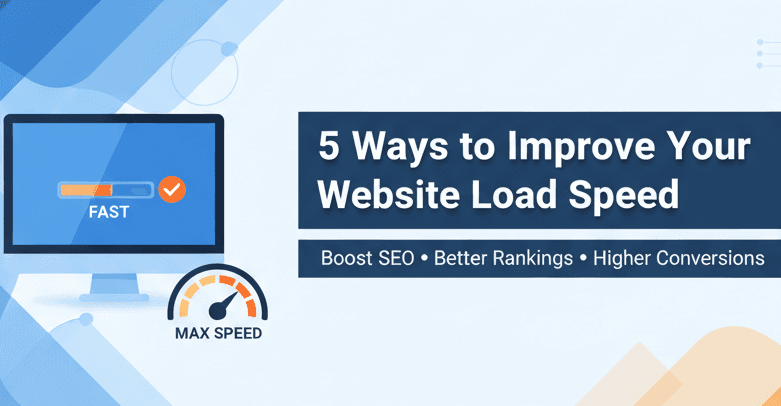
5 Ways to Improve Your Website Load Speed
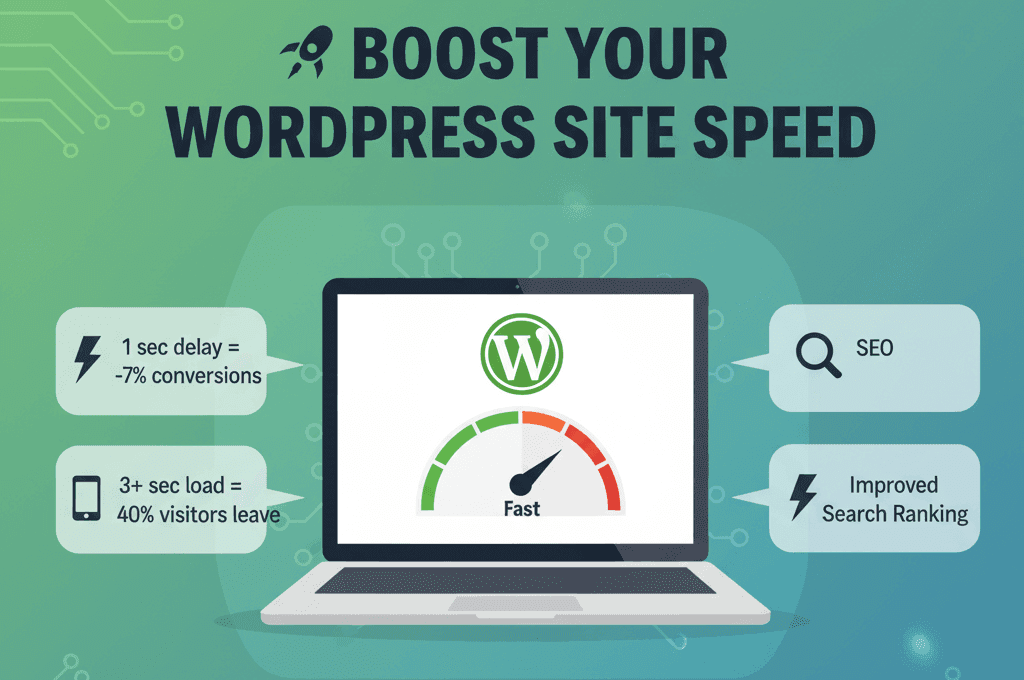
Is your website taking more than a few seconds to load? If so, you’re probably losing visitors and Google rankings without realizing it. A slow website frustrates users, increases bounce rate, and signals to search engines that your site delivers a poor experience.
Google has confirmed that fast websites rank higher because they keep visitors engaged. Even a one- to two-second delay can lower engagement and reduce conversions.
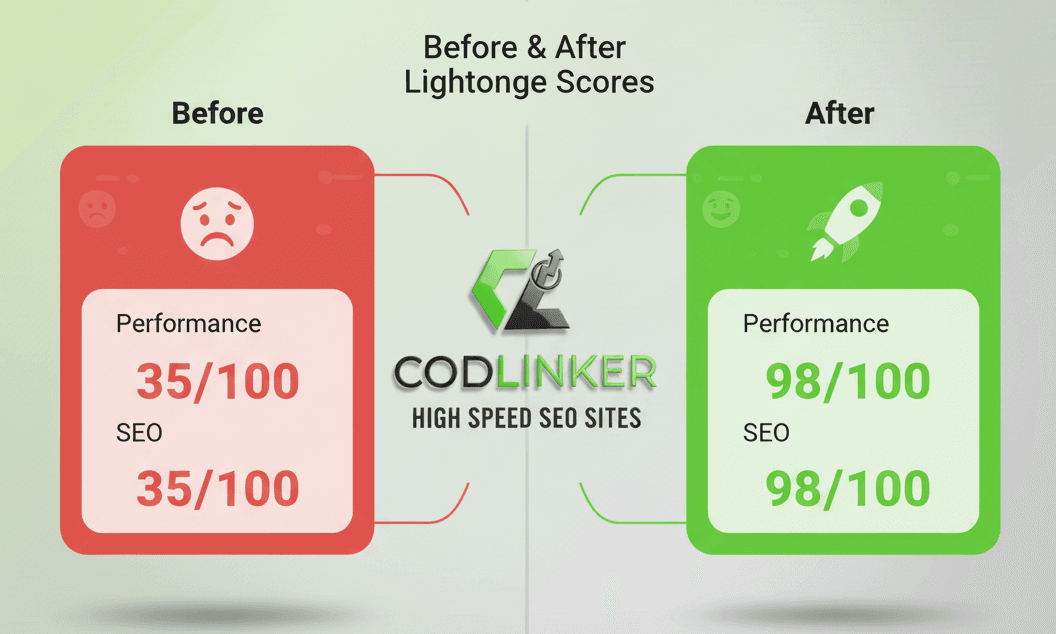
At Codlinker, we’ve helped numerous local businesses in Florida improve site performance, increase organic traffic, and convert more visitors into customers. This guide explains five proven methods to make your website faster and stronger for SEO.
1. Optimize Your Images
Images account for much of a webpage’s load time. Unoptimized visuals can drastically slow your site.
How to fix it:
-
Compress large images using TinyPNG or ImageOptim.
-
Convert images to next-gen formats like WebP.
-
Resize each image to its actual display size instead of uploading unnecessarily large files.
Pro tip: Codlinker integrates image optimization directly into every website build, ensuring your visuals remain lightweight and high quality without extra manual work.
2. Enable Browser Caching
Browser caching stores static assets, such as images, scripts, and styles, locally on a visitor’s device. Returning visitors can then load your website much faster.
Steps to enable caching:
-
Activate caching in your CMS or hosting panel.
-
Use plugins such as W3 Total Cache or WP Rocket if you’re using WordPress.
-
Set cache expiry for assets that don’t change frequently, such as logos or icons.
Learn more about site optimization services on our Codlinker Web Solutions page.
3. Minify and Clean Up Your Code
Every unnecessary line, space, or comment adds extra weight to your website’s code. Minifying your HTML, CSS, and JavaScript helps browsers render pages faster.
Best practices:
-
Use tools like CSSNano or UglifyJS to minimize code.
-
Remove inactive plugins and unused CSS rules.
-
Combine multiple scripts into one to reduce HTTP requests.
Even small improvements in code efficiency can noticeably enhance mobile and desktop performance.
4. Choose Fast, Reliable Hosting
Your web hosting plays a critical role in site speed. Cheap shared hosting often results in poor performance due to server overcrowding.
Upgrading your hosting can include:
-
Switching to VPS, cloud, or managed hosting.
-
Choosing servers with SSD storage, HTTP/3, and LiteSpeed technology.
-
Hosting your website on data centers near your primary target audience.
At Codlinker, we help businesses select optimized hosting solutions that balance speed, scalability, and security for long-term growth.
5. Use a CDN (Content Delivery Network)
A CDN distributes your content across multiple global servers so that visitors load your site from the nearest location. This reduces latency and improves user experience.
Key advantages:
-
Faster loading times across regions.
-
Better protection from traffic surges or DDoS attacks.
-
Improved SEO metrics like Largest Contentful Paint (LCP).
Common CDN options include Cloudflare, Amazon CloudFront, and Akamai. Implementing one can reduce page load times by several seconds.
Bonus Tip: Combine Speed with SEO Strategy
Improving site speed alone isn’t enough. Once your site runs fast, focus on expanding visibility through advanced SEO.
For Florida businesses ready to grow online, it’s time to Explore innovative SEO solutions. Partnering speed optimization with strategic SEO helps you gain stronger visibility, more traffic, and higher conversions.
Why Speed Matters for Rankings
More than half of mobile visitors leave if a page takes longer than three seconds to load. Search engines evaluate speed through Core Web Vitals, which measure loading time, interactivity, and visual stability.
By improving your site’s speed, you strengthen SEO performance, enhance user satisfaction, and build trust with visitors. Fast websites don’t just look better they sell more.
Final Thoughts
Website speed is no longer optional—it’s essential for success. By optimizing images, enabling caching, cleaning up your code, upgrading hosting, and using a CDN, you’ll improve SEO rankings and create a smoother user experience.
Even trimming one or two seconds off your load time can mean the difference between a visitor staying on your page or leaving.
If you want expert help achieving faster load times and higher rankings, contact Codlinker. We specialize in SEO-friendly, high-performance web design that delivers measurable results for Florida businesses.
Would you wait for a slow site, or move on to one that loads instantly? The answer should guide your next step.